
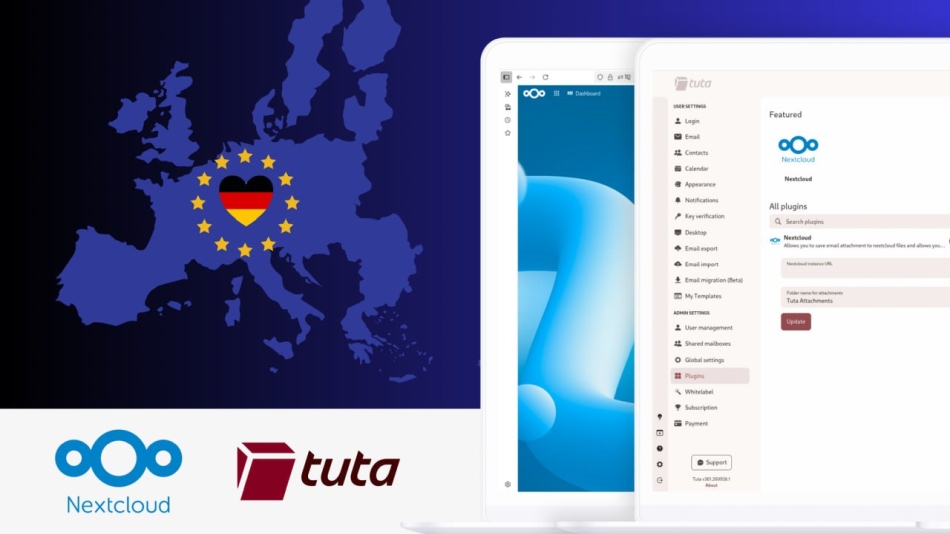
Tuta has launched a free Nextcloud integration that lets users access its encrypted email service within Nextcloud, save email attachments directly to their cloud storage, and create meeting links from Tuta Calendar.
The release includes two components: a Tuta Mail app available through the Nextcloud App Store and a Nextcloud plugin enabled through Tuta’s account settings. Tuta announced the launch on October 1, describing it as its first officially supported plugin integration.
Tuta is a Germany-based provider of encrypted email, calendar, and contact services. The company positions its products as privacy-focused alternatives to Google and Microsoft services, with open-source clients that let technically skilled users inspect the code.
Nextcloud provides an open-source collaboration platform that combines file storage and sharing with tools for document editing, calendars, messaging, and video calls. Organizations and individuals can run it on infrastructure they control, giving them a choice over where their files are stored and who manages the service.
Email and calendar integration
The new Tuta Mail app can be installed on either a locally hosted or managed Nextcloud instance. Once installed, it allows users to access Tuta within the Nextcloud interface, with functionality similar to the Tuta web client.
Installation requires a Nextcloud administrator. For family, business, or provider-managed deployments, access depends on the administrator or hosting provider making the app available.
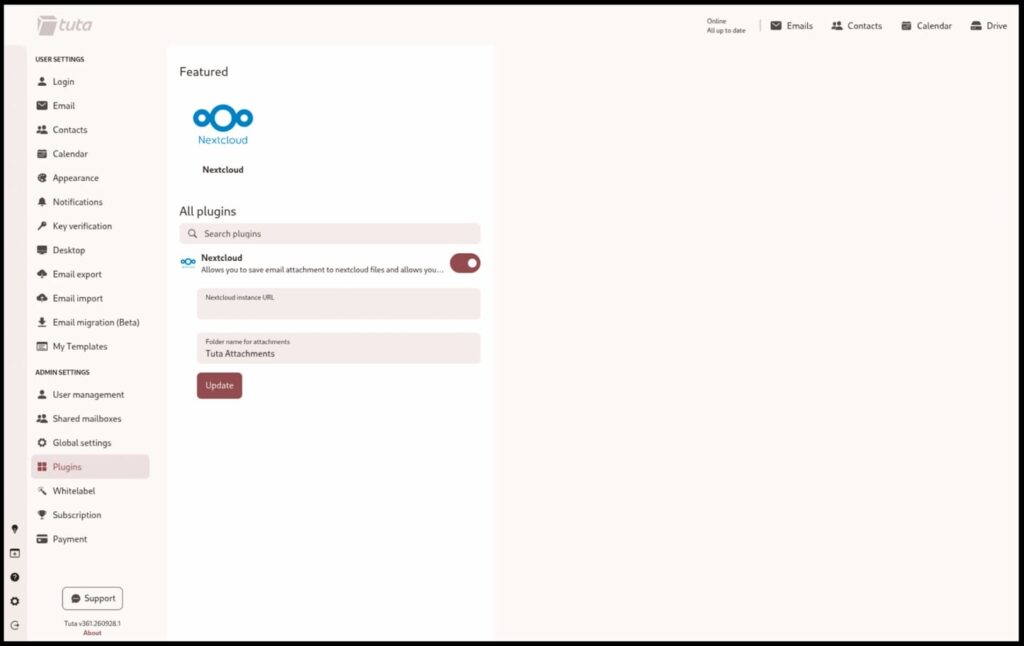
The additional attachment and meeting features require enabling the Nextcloud plugin inside Tuta. An account administrator can activate it for all account users under Settings → Plugins, while individual users can enable it themselves.
With both components in place, users can upload attachments received in Tuta Mail to Nextcloud with a single click. They can also generate a Nextcloud Talk link through the location settings when creating a Tuta Calendar event.
These features connect email, file storage, and meeting scheduling, reducing the manual steps needed to move attachments between services or add video-call details to an invitation.
Expanding beyond standalone email
Tuta says the release responds to requests from private and business customers seeking European alternatives to major technology platforms. Its stated goal is to connect multiple independent services rather than require users to adopt a single provider’s entire ecosystem.
The launch also lays the groundwork for additional plugins covering Tuta Mail and Tuta Calendar. The company points developers to documentation and guidelines on GitHub for building their own integrations, although it has not announced a schedule for additional officially supported plugins.
The move follows Tuta’s recently released Thunderbird add-on, which lets users access Tuta alongside their existing email accounts in Mozilla’s email client.
Users who want to try the new features should first have their Nextcloud administrator install the Tuta Mail app, then enable the Nextcloud plugin in Tuta. Both steps are required for attachment upload and Talk link functionality.



Leave a Reply