
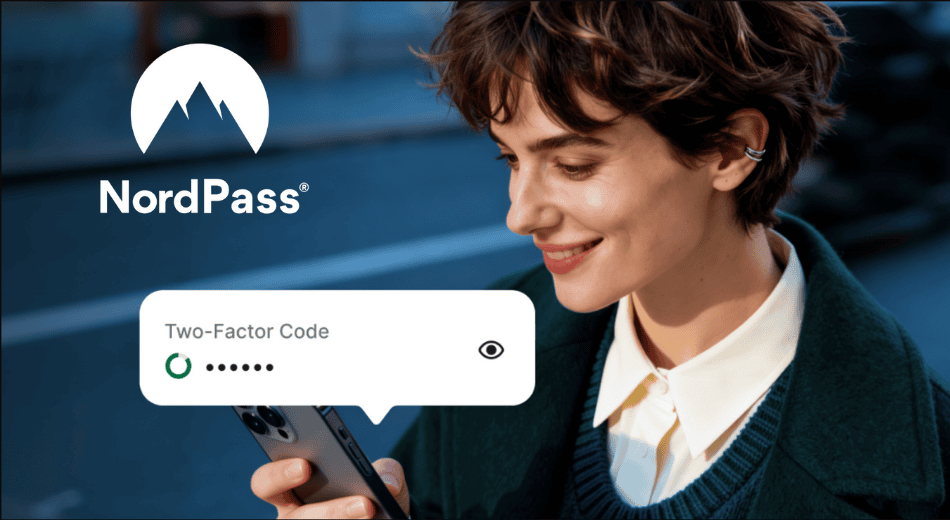
NordPass has expanded its security suite with the launch of a built-in Authenticator for personal accounts, enabling users to generate time-based one-time passwords (TOTP) within the NordPass app or browser extension.
This update brings two-factor authentication (2FA) functionality under one roof, eliminating the need for third-party apps while introducing biometric protection to keep authentication codes secure.
The feature was previously available only to business customers, but as of the latest announcement, NordPass Premium and Family plan users can now access the same functionality.
NordPass, developed by the same team behind NordVPN, offers secure password management across desktop, mobile, and web platforms.
The newly integrated Authenticator works by allowing users to store and generate TOTP codes directly within their NordPass vault. Unlike traditional authentication apps, where codes are displayed immediately after login, NordPass adds a true second layer of protection by requiring biometric verification, such as fingerprint or facial recognition, before revealing the authentication code. This extra step helps prevent unauthorized access to 2FA tokens even if the main application is compromised or left open.
Beyond convenience, the new functionality also addresses a common pain point in multi-device authentication workflows. Since the Authenticator syncs across devices, users can access and autofill 2FA codes on both their mobile devices and browser extensions, which is useful when switching between devices or using incognito mode. This seamless integration eliminates the friction of switching between apps during login, which has long been a frustration for users handling sensitive accounts like banking or social media.
NordPass also highlights a common security gap in personal 2FA: sharing login credentials protected by one-time codes. Without a secure method to transmit these codes, users often resort to insecure channels like chat apps or SMS, exposing themselves to smishing attacks or leaks. By storing 2FA tokens in a centralized and encrypted vault, the NordPass Authenticator offers a safer alternative for managing and even sharing access, although direct sharing of 2FA-protected accounts still carries inherent risks.
To activate the new Authenticator, users must manually input the TOTP secret key for each account they wish to secure. Once set up, NordPass will generate time-based codes for each login attempt, which can be copied or autofilled, depending on the platform.



Nord VPN hacked
https://www.facebook.com/share/p/1CqECUoJp4/
We covered that story here:
https://cyberinsider.com/nordvpn-denies-breach-after-alleged-server-leak-surfaces-on-breachforums/
NordVPN has denied any breach.